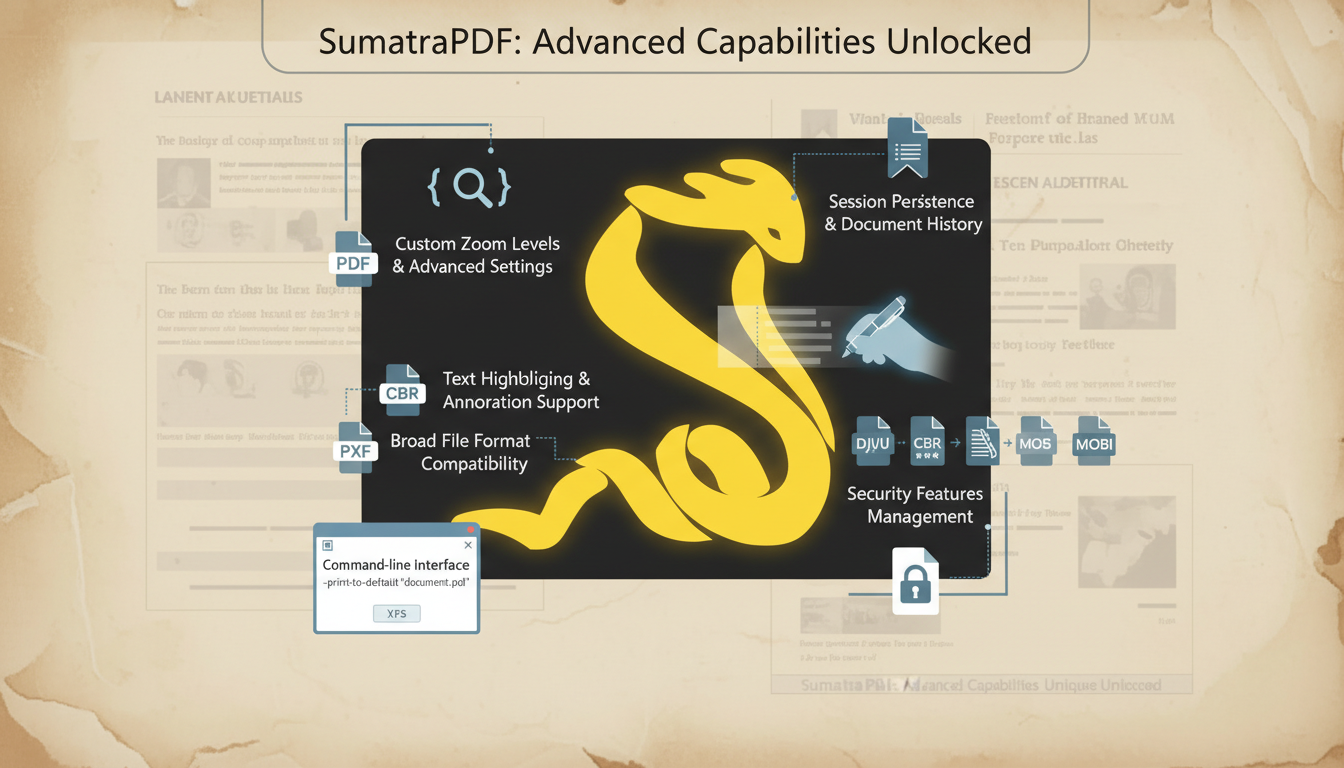
SumatraPDF is widely recognized as one of the fastest and most lightweight document viewers available for Windows. While many users install it for simple PDF reading, the software includes several advanced features that often go unnoticed. Its minimal interface hides powerful configuration controls, performance optimizations, keyboard navigation tools, and multi-format compatibility that make it highly efficient for professional and academic environments. Unlike heavy PDF software that focuses on editing and cloud integrations, SumatraPDF prioritizes speed, simplicity, and stability. These qualities make it an excellent choice for users who want a distraction-free reading experience combined with strong technical capabilities.
High-Speed Performance and Optimized Rendering
One of the most impressive aspects of SumatraPDF is its optimized rendering engine. The application opens almost instantly, even on older systems with limited RAM. Large PDF files that typically slow down other readers load quickly and scroll smoothly in SumatraPDF. This makes it ideal for professionals handling lengthy reports, scanned archives, or technical manuals. The software consumes minimal CPU and memory resources. It avoids background services and unnecessary plugins, ensuring consistent stability. Because of its efficient design, users can open multiple documents without experiencing lag. This performance advantage is one of the main reasons why SumatraPDF remains popular among students, researchers, and developers.
Advanced Configuration Options
Although the interface appears simple, SumatraPDF provides advanced configuration options through editable settings files. Users can customize display behavior, default zoom levels, layout preferences, and startup settings. This level of customization allows professionals to tailor the software to their workflow. For example, users can configure the program to remember the last viewed page of a document, which is especially helpful when working with long research papers or books. The ability to fine-tune settings gives advanced users greater control without complicating the main interface.
Powerful Keyboard Shortcuts for Productivity
Keyboard shortcuts play a crucial role in improving efficiency, and SumatraPDF includes extensive shortcut support. Users can navigate pages, zoom in or out, search text, rotate pages, and switch display modes using simple key commands. For professionals who spend hours reviewing documents, keyboard navigation significantly speeds up workflow. Developers reading documentation, legal professionals reviewing contracts, and students studying digital textbooks benefit greatly from these shortcut features.
Portable Version for Flexible Use
SumatraPDF offers a fully functional portable version that does not require installation. This version can run directly from a USB drive, making it convenient for users who work on multiple systems. IT professionals often prefer portable software because it leaves no registry traces on host machines. Students using shared computers also benefit from this flexibility. The portable edition maintains the same speed and performance as the installed version, ensuring reliability in various environments.
Multi-Format Compatibility
While SumatraPDF is primarily known as a PDF reader, it supports multiple file formats. Users can open EPUB, MOBI, XPS, DjVu, CHM, CBZ, and CBR files within the same application. This eliminates the need for installing multiple document viewers. EPUB and MOBI support allows comfortable eBook reading, DjVu compatibility helps users access scanned documents, and comic book readers appreciate CBZ and CBR support. This broad compatibility makes SumatraPDF a versatile and space-saving solution.
Security and Privacy Advantages
Security is an important consideration when dealing with downloaded documents. Many PDF readers include scripting engines and browser integrations that increase vulnerability risks. SumatraPDF follows a minimal approach, reducing potential security threats. Unlike feature-heavy alternatives such as Adobe Acrobat Reader, SumatraPDF focuses strictly on viewing functionality. It does not heavily rely on complex scripting features, which helps reduce attack surfaces. Its open-source nature further enhances trust, as developers can review and verify the code.
Tabbed Interface and Multi-Document Handling
SumatraPDF includes a tabbed interface that allows users to open multiple documents within a single window. This feature is particularly useful when comparing documents or referencing different files simultaneously. The tab system keeps the workspace organized and prevents desktop clutter. Users can quickly switch between files without opening separate application windows, contributing to a smoother and more professional workflow.
Seamless Windows Integration
The software integrates easily with Windows systems. Users can set SumatraPDF as the default viewer for supported file formats, and once configured, documents open instantly with a double-click. Advanced users can also use command-line arguments for automation, which is especially beneficial for developers who integrate document previews into scripts or workflows. The ability to operate through command-line commands increases its technical value.
FAQs
Q: Is SumatraPDF completely free?
Yes, SumatraPDF is completely free and open-source software. Users can download and use it without paying any licensing fees. Its open-source nature also allows developers to review, contribute, and improve the software continuously, ensuring transparency and trust.
Q: Can SumatraPDF edit PDF documents?
No, SumatraPDF is primarily a viewer and does not provide editing capabilities. It cannot modify text, create forms, or annotate PDFs. Users who require editing features should use software like Adobe Acrobat Reader, while SumatraPDF remains focused on fast and lightweight document viewing.
Q: Does SumatraPDF support large PDF files?
Yes, SumatraPDF is optimized to handle large PDF files efficiently. Its lightweight rendering engine allows smooth scrolling, instant page navigation, and fast opening of lengthy documents such as manuals, research papers, or scanned books, even on older or low-spec computers.
Q: Is there a portable version of SumatraPDF?
Yes, SumatraPDF has a portable version that runs directly from a USB drive or external storage without requiring installation. This version is ideal for IT professionals, students, or anyone working on multiple computers, as it leaves no registry traces on host systems.
Q: Which operating systems support SumatraPDF?
SumatraPDF is designed specifically for Windows operating systems, including Windows 7, 8, 10, and 11. It does not officially support macOS or Linux, so users on those platforms need alternative PDF viewers.
Q: Is SumatraPDF safe to use?
Yes, when downloaded from the official source, SumatraPDF is considered safe. Its minimal design reduces potential security risks, as it does not include unnecessary plugins, scripting engines, or advertisements that could compromise the system.
Q: Can SumatraPDF open eBooks or comic files?
Yes, SumatraPDF supports eBook formats such as EPUB and MOBI, as well as comic book formats CBZ and CBR. This makes it versatile for casual reading, academic textbooks, and graphic novels, all within a single lightweight application.
Q: Can SumatraPDF be used professionally?
Absolutely. Its fast performance, tabbed interface for multiple documents, portable edition, and low resource usage make it suitable for professionals such as developers, researchers, legal professionals, and students who need reliable and efficient document viewing.
Conclusion
SumatraPDF proves that powerful software does not need to be complicated or resource-heavy. Its advanced configuration options, fast rendering engine, keyboard shortcut support, multi-format compatibility, and portable edition make it far more capable than its simple interface suggests. By focusing on performance, security, and efficiency, it delivers a reliable and distraction-free reading experience. For users who prioritize speed and simplicity over excessive features, SumatraPDF remains one of the best lightweight document viewers available for Windows.
Leave a Reply