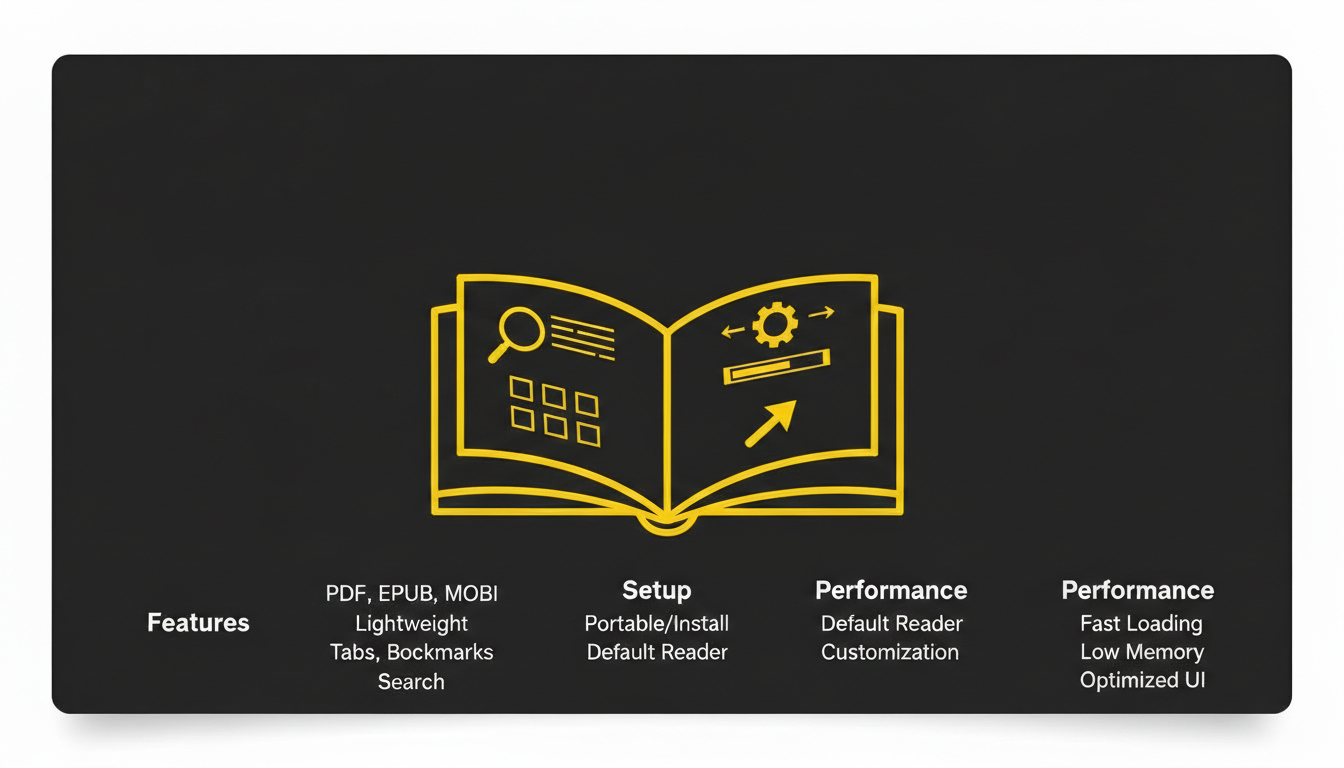
SumatraPDF is a lightweight and open-source PDF reader widely regarded for its simplicity, speed, and efficiency. Unlike most PDF readers that are heavy and feature-packed, SumatraPDF focuses on minimalism and performance. This makes it ideal for students, professionals, and casual users who want to read documents quickly without consuming too many system resources. The platform also supports multiple file formats, such as ePub, MOBI, XPS, DjVu, CHM, and comic book files, making it a versatile tool for anyone working with digital documents. In this article, we will cover SumatraPDF’s features, how it works, installation, performance, benefits, FAQs, and legal considerations.
What Is SumatraPDF?
SumatraPDF is an open-source PDF reader primarily developed for Windows. Its core philosophy is simplicity and speed, which sets it apart from other PDF applications that are often bloated with unnecessary features. It provides a clean and minimal interface that allows users to focus on reading content without distractions.
Originally developed by Krzysztof Kowalczyk, SumatraPDF was designed to offer a lightweight alternative to larger PDF software. It supports not only PDF files but also eBooks and other document formats, making it a versatile tool for students, researchers, professionals, and casual readers. Its portability also allows users to run it directly from a USB drive, making it convenient for people who work across multiple devices.
SumatraPDF’s popularity stems from its speed, simplicity, and reliability. The software launches almost instantly, even on older hardware, and allows users to open large documents without delays. It provides basic reading features, including zoom, page navigation, and search, without overloading the interface with advanced editing tools that many users do not require.
Key Features of SumatraPDF
One of the most important features of SumatraPDF is its lightweight design, which ensures fast startup times and minimal system resource usage. Users can open large PDF files almost instantly without experiencing the lag commonly found in heavier applications.
Another key feature is portability. SumatraPDF can be run as a standalone executable without installation. This means users can carry it on USB drives and use it on multiple computers without leaving traces or modifying system settings. Portability makes it highly convenient for students and professionals who need a portable document reader.
SumatraPDF also offers multi-format support, including ePub, MOBI, XPS, DjVu, CHM, and comic book formats (CBZ/CBR). This allows users to read eBooks, manuals, and comic books in addition to standard PDF documents. Having a single tool that supports all these formats improves workflow efficiency and reduces the need to install multiple applications.
Keyboard shortcuts and command-line support are additional features that appeal to advanced users. Users can quickly navigate documents, adjust zoom levels, and jump to specific pages using keyboard commands. Command-line support enables automated opening of files, batch processing, and integration with other software, which is useful for tech-savvy individuals or developers.
Finally, SumatraPDF provides a distraction-free interface. Its minimal design ensures that users focus entirely on the document content. Unlike some PDF readers that include complex menus, advertisements, or unnecessary plugins, SumatraPDF keeps the interface clean, which is especially useful for long reading sessions.
How It Works
SumatraPDF works as a document viewer rather than an editor. Users open files by double-clicking or dragging them into the application. Navigation is simple, with options to scroll, jump to specific pages, search for text, and zoom in or out.
The software prioritizes speed and performance. Its lightweight architecture ensures that even very large PDF files can be opened quickly without slowing down the system. Users benefit from the efficiency of the program, especially on older hardware or systems with limited resources.
For advanced users, SumatraPDF supports command-line operations. Users can open multiple documents simultaneously, specify starting pages, and execute scripts for batch operations. This level of control makes it ideal for developers, researchers, and professionals who manage large volumes of documents.
SumatraPDF also supports continuous updates and a growing community of contributors. Updates often include performance improvements, bug fixes, and compatibility with new file formats. This ensures that the software remains reliable and secure over time.
Benefits of Using SumatraPDF
For users, SumatraPDF provides a fast and efficient reading experience. Its lightweight nature minimizes memory usage, making it ideal for low-end computers or laptops with limited resources. Users can open documents quickly, navigate pages seamlessly, and focus on reading without distraction.
Its portability is a significant benefit. By running directly from a USB drive, users can access their documents on different computers without leaving a trace or requiring installation. This makes it convenient for students who switch between home, school, and library computers, or for professionals working in multiple office locations.
SumatraPDF’s multi-format support improves convenience and workflow efficiency. Users no longer need separate tools for PDFs, eBooks, or comic books. Managing all these file types from a single application saves time and reduces software clutter.
Another advantage is the distraction-free interface. By focusing on reading rather than editing, SumatraPDF ensures users remain engaged with the content. This makes it ideal for students reviewing textbooks, professionals reading reports, or casual readers enjoying eBooks or comics.
Additionally, SumatraPDF is free and open-source, which removes financial barriers for students, hobbyists, or small businesses. Its open-source nature also allows developers to contribute to its improvement, ensuring long-term sustainability and security.
Installation and Setup Guide
Installing SumatraPDF is straightforward. Users can download the official executable from the SumatraPDF website. During installation, the setup wizard allows selection of default settings, such as language, file associations, and startup preferences.
For users who prefer portability, the software can run without installation. The standalone executable can be copied onto a USB drive or cloud storage and executed on any compatible Windows system.
After installation, users can adjust preferences such as default zoom levels, viewing modes, page layout (single page or continuous scroll), and keyboard shortcuts. Proper setup ensures an optimal reading experience tailored to personal preferences.
Performance and Compatibility
SumatraPDF is highly optimized for Windows operating systems, including older versions like Windows 7 and Windows 8, as well as Windows 10 and 11. Its lightweight design ensures minimal CPU and memory usage, allowing smooth operation even on computers with limited hardware resources.
The platform supports a wide variety of formats, including PDF, ePub, MOBI, XPS, DjVu, CHM, and CBZ/CBR for comics. Regular updates ensure continued compatibility with newer document standards and improvements in performance, making SumatraPDF a reliable tool for a diverse range of reading needs.
Its portable version further enhances compatibility by eliminating installation requirements, enabling users to read documents on multiple systems without administrative privileges. This makes SumatraPDF particularly useful for students, professionals, and anyone who requires a flexible, cross-device document reader.
FAQs
Q: What is SumatraPDF?
A: SumatraPDF is a lightweight, open-source PDF reader for Windows that supports multiple document formats and focuses on speed and simplicity.
Q: Who should use SumatraPDF?
A: Students, professionals, and casual users who need a fast, reliable, and minimalistic PDF reader can benefit from SumatraPDF.
Q: Is SumatraPDF free?
A: Yes, SumatraPDF is completely free and open-source software.
Q: Can SumatraPDF open eBooks and comic files?
A: Yes, SumatraPDF supports ePub, MOBI, XPS, DjVu, CHM, and comic book formats (CBZ/CBR) in addition to PDF.
Q: Is SumatraPDF portable?
A: Yes, SumatraPDF can run without installation using its standalone executable, making it easy to use from USB drives or cloud storage.
Q: Does SumatraPDF consume a lot of system resources?
A: No, SumatraPDF is lightweight and optimized for low memory usage, making it suitable for older PCs or devices with limited hardware.
Q: Can SumatraPDF be customized?
A: Yes, users can adjust zoom levels, page layout, keyboard shortcuts, and viewing modes for a personalized reading experience.
Q: Is SumatraPDF safe?
A: Yes, SumatraPDF is safe, regularly updated, and free from unnecessary bloatware or advertisements.
Q: Which Windows versions are supported?
A: SumatraPDF supports Windows 7, Windows 8, Windows 10, and Windows 11.
Q: Does SumatraPDF support large files?
A: Yes, SumatraPDF is optimized to handle large PDF and eBook files without slowing down or crashing.
Conclusion
SumatraPDF is a lightweight, fast, and versatile PDF reader that prioritizes simplicity, portability, and performance. Its multi-format support, distraction-free interface, and minimal resource usage make it ideal for students, professionals, and casual readers. With easy installation, portable usage options, and ongoing updates, SumatraPDF provides a reliable and efficient solution for managing and reading documents. Whether you need to read PDFs, eBooks, or comic books, SumatraPDF delivers a smooth, fast, and user-friendly experience without the bloat of larger PDF software.
Leave a Reply